How To Create Facebook Account
Creating a Facebook account is one of the most important steps to getting started on social media. With over two billion active users, Facebook is one of the most popular social networks in the world. By creating a Facebook account, you can stay connected with family, friends, and colleagues, as well as discover relevant news and events.
Step 1: Go to Facebook.com
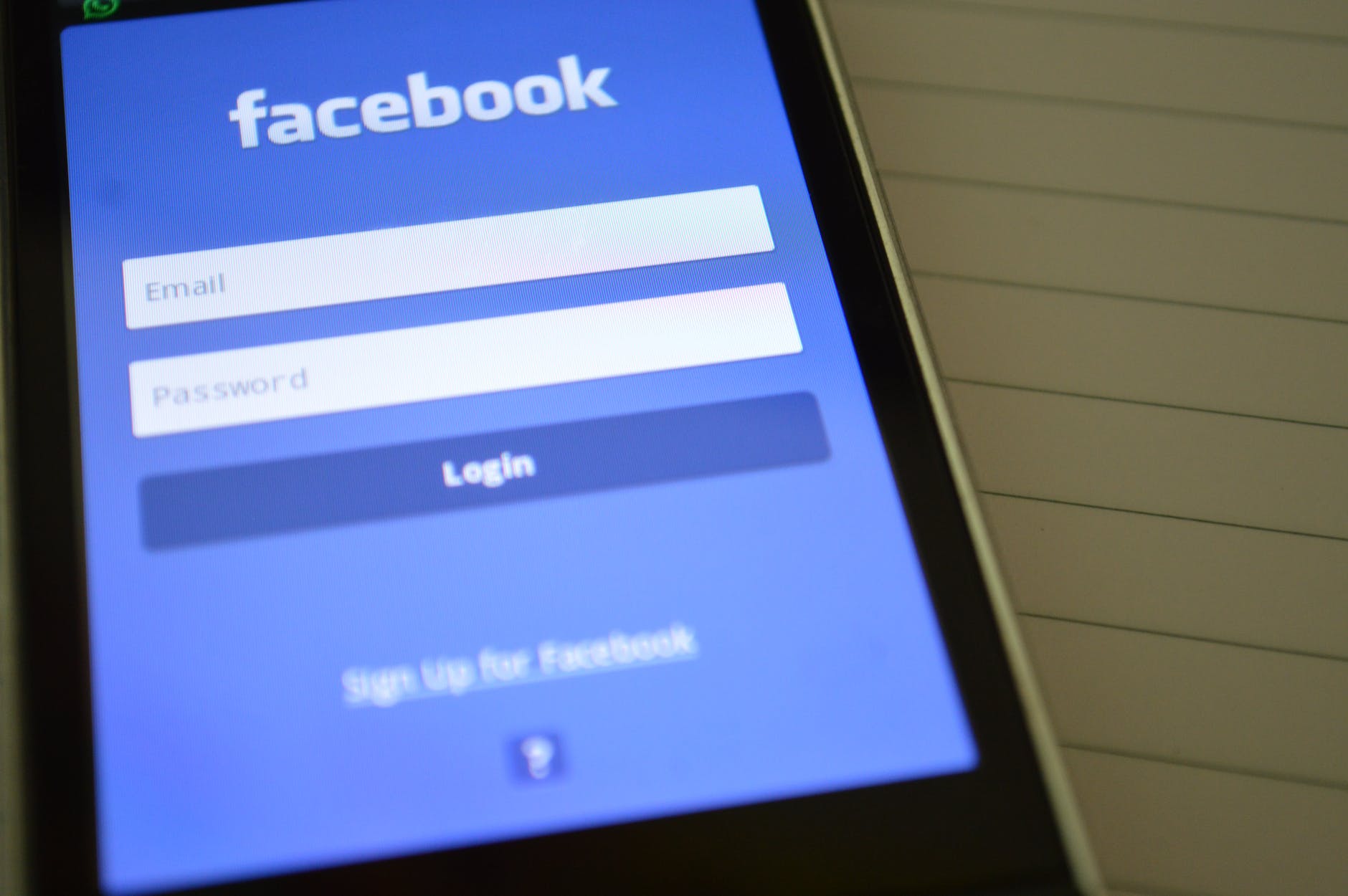
The first step to creating a Facebook account is to go to the official website, www.facebook.com. Once you’re there, click on the ‘Create New Account’ button located at the top right corner of the page. This will take you to the sign-up form.
Step 2: Fill Out the Sign-Up Form
In the sign-up form, you will be asked to enter your full name, email address, date of birth, and gender. You will also be asked to create a username and password. It is important to enter accurate and up-to-date information in order to ensure the security of your Facebook account.
You will receive a confirmation code to Verify your email, you need to click on activation link or copy and paste given code..
How To Create Facebook Account
Step 3: Add a Profile Picture
Once you’ve filled out the form, you will be asked to upload a profile picture. This will help your friends and family recognize you when they search for or view your profile. You can either upload a picture from your device or take a photo from your webcam.
Step 4: Confirm Your Account
After you’ve uploaded your profile picture, you will be asked to confirm your account by entering a code sent to you via text message or email.
Step 5: Start Connecting
Once you’ve confirmed your account, you can start connecting with your friends and family. You can also join groups and pages of your interest, as well as discover relevant news and events.
Creating a Facebook account is an easy process that can take only a few minutes. Once you’ve created an account, you can immediately start connecting with your friends, family, and colleagues. You can also join groups and pages of your interest and stay up-to-date with the latest news and events. So what are you waiting for? Start creating your Facebook account today!